TECH VEDA

Embedded Linux on Edge-AI 23rd Sept 2026 enrollingLinux kernel & Device drivers starts on 24th Oct 2026 enrollingCorporate on-site training - Submit proposal Pick your modulessignup for free monthly live Masterclass Register
HomeTraining ProgramsLinux Multimedia Drivers
AdvancedHands-on

A deep, hands-on path through Linux camera, display, audio and codec drivers — built for the edge-AI era

Linux Multimedia Drivers

Master the kernel subsystems that move pixels, frames and audio through a Linux device — V4L2, the media controller, ISP and camera sensors, DRM/KMS display, ALSA audio and hardware codecs — and wire them into real-time, on-device AI vision pipelines.

📷 Camera, ISP & V4L2 pipelines
🎞️ Hardware codec & display drivers
🧠 Feed frames to edge-AI inference
Enquire about this track★★★★★ Rated by 10,000+ engineers trained since 2003

See the kernel & driver career roadmap →

OverviewAbout this program

Modern edge devices are multimedia machines first. A smart camera, an automotive ECU, a medical imaging unit or an industrial vision system all live or die on one thing: how cleanly frames and audio flow from silicon to software to AI. This program takes you deep into the Linux kernel subsystems that make that flow possible — and shows you how to engineer them for real, shipping products.

You'll work through the complete multimedia driver stack: the V4L2 framework and media controller that model capture pipelines, camera sensor and ISP sub-devices, the DRM/KMS display path, the ALSA audio subsystem and hardware video codecs. Every layer is taught from the driver author's perspective — buffers, formats, sub-device graphs, controls and the DMA infrastructure underneath.

The defining theme is edge AI. A captured frame is only useful when it reaches an inference engine efficiently. You'll learn to move frames zero-copy across the pipeline, hand them to accelerators and close the loop into real-time on-device vision. The methodology is learn-by-doing: every concept is paired with a lab on real hardware, building from fundamentals to a full capture-to-AI pipeline.

OutcomesWhat you'll be able to do

  • Read, write and debug V4L2 drivers and understand the full capture data path end to end.
  • Model real capture pipelines with the media controller framework and sub-devices.
  • Bring up camera sensors over CSI-2 and reason about the ISP and image tuning.
  • Manage video buffers and frame memory with videobuf2 and DMA-BUF.
  • Drive displays through the DRM/KMS subsystem — planes, CRTCs and overlays.
  • Work with the ALSA audio stack and synchronise audio with video.
  • Integrate hardware video codecs for encode and decode, including stateless decode.
  • Build zero-copy, low-latency pipelines that feed frames to edge-AI inference.
  • Assemble end-to-end capture-to-AI pipelines and tune them for throughput and latency.
  • Profile, trace and debug multimedia drivers in production-grade systems.
CurriculumCamera, V4L2, media controller, ISP, DRM/KMS, ALSA, codecs, DMA-BUF and edge-AI vision

Twelve modules, each a focused conceptual session paired with an immediate driver lab on real hardware.

01Linux Multimedia Architecture
  • The multimedia subsystems map
  • Where capture, display, audio & codecs live
  • User space vs kernel responsibilities
  • Data flow from sensor to AI
  • How the pieces fit a real product
02V4L2 Framework Foundations
  • The Video4Linux2 model & device nodes
  • Drivers, devices & the ioctl interface
  • Formats, frame sizes & pixel formats
  • Controls & the control framework
  • The capture lifecycle
03Buffers & videobuf2
  • Buffer types & memory models
  • The videobuf2 core & queue management
  • MMAP, USERPTR & DMABUF buffers
  • Streaming, queuing & dequeuing frames
  • Buffer ownership & synchronisation
04Media Controller & Sub-devices
  • The media controller framework
  • Entities, pads & links
  • Modelling a capture pipeline as a graph
  • Sub-device drivers & their roles
  • Configuring & validating the pipeline
05Camera Sensors & CSI-2
  • Image sensor fundamentals
  • The MIPI CSI-2 interface & receivers
  • Sensor sub-device drivers
  • Registers, modes & sensor controls
  • Bringing a sensor up on a board
06ISP & Image Pipeline
  • What the ISP does & why it matters
  • Bayer, debayering & colour pipelines
  • Auto-exposure, white balance & tuning
  • ISP as media-controller entities
  • Capturing clean frames for AI
07DRM / KMS Display
  • The DRM subsystem & KMS model
  • Framebuffers, planes, CRTCs & connectors
  • Atomic modesetting
  • Overlays & composition
  • Displaying live & processed video
08ALSA Audio Subsystem
  • The ALSA architecture & PCM model
  • Cards, devices & substreams
  • ASoC for embedded audio
  • Audio capture & playback paths
  • Audio/video synchronisation
09Hardware Video Codecs
  • Memory-to-memory (M2M) devices
  • Encode & decode driver models
  • Stateful vs stateless codec APIs
  • Stateless decode & request API
  • Working with compressed streams
10DMA-BUF & Zero-Copy
  • The DMA-BUF sharing framework
  • Sharing frames across drivers
  • Importers, exporters & fences
  • Cache coherency & memory pitfalls
  • Building zero-copy data paths
11Edge-AI Vision Pipelines
  • From captured frame to inference input
  • Feeding accelerators efficiently
  • Pre- & post-processing on the data path
  • Latency, throughput & the real-time loop
  • Closing the loop: detect, classify, act
12Debugging & Performance
  • Tracing the multimedia stack
  • Diagnosing pipeline & buffer issues
  • Measuring latency & frame drops
  • Profiling & optimising data paths
  • Debugging on real hardware

LabsRecommended hardware

Hands-on labs run on real boards with a camera so you build capture, ISP, display and inference pipelines the way it happens on the job.

Raspberry Pi 5 + cameraCSI-2 camera capture, ISP and DRM/KMS display labs on widely available hardware.
AI-capable SBCAn accelerator-equipped board for the codec and edge-AI inference labs.

Before you startPrerequisites

You should be comfortable with C, the Linux command line and the basics of Linux device drivers. A working grounding in core kernel concepts — modules, the driver model and kernel memory — makes this course far more rewarding. If you're newer to drivers, TECH VEDA's Linux Device Drivers program is the ideal lead-in. Without a driver foundation, the multimedia subsystems stay abstract; with it, the data path clicks into place. See TECH VEDA's Linux Device Drivers program for that foundation.

AudienceWho should enroll

Camera & multimedia driver engineersEmbedded Linux & BSP engineersDevice-driver developersEdge-AI & computer-vision engineersAutomotive & ADAS software engineersImaging & medical-device engineersRobotics & drone software engineersVideo & streaming systems engineersR&D engineers & tech leads

Your mentorLearn directly from the founder

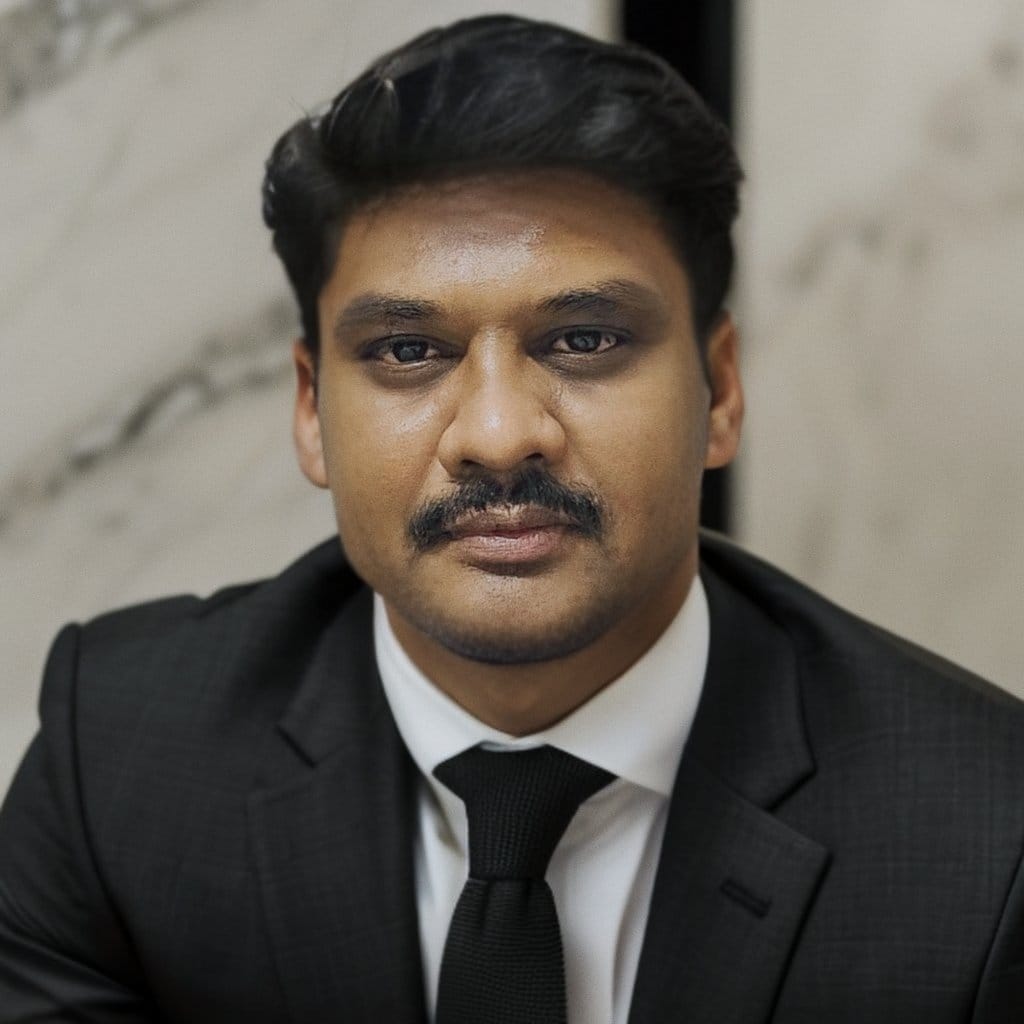
Raghu Bharadwaj, founder of TECH VEDA

Raghu Bharadwaj

Founder & Chief Mentor

75+ onsite trainings · 45+ enterprise clients · 10,000+ careers transformed since 2003. Author of Mastering Linux Kernel Development and the architect of TECH VEDA's hands-on training model.

ReviewsParticipant experiences

★★★★★

“Raghu Sir has this unique ability to keep our attention drawn to the overall framework of embedded Linux & drivers, even as we go deep into each interface and core concept.”

SH
Shailesh
★★★★★

“Highly experienced and skilled in Linux kernel, device-driver development and the embedded domain. He knows exactly where students get stuck and helps you learn problem-solving approaches.”

AN
Anupam
★★★★★

“The way Raghu Sir simplified deep kernel internals and made us work on every aspect practically has made real-world embedded development a cakewalk.”

PV
Pavan

FAQsCommon questions

How is this different from the Device Drivers course?+
The Device Drivers course builds your general driver foundation. This course goes deep into the multimedia subsystems specifically — V4L2, the media controller, camera/ISP, DRM/KMS, ALSA and hardware codecs — and how to wire them into real-time, on-device AI pipelines.
How much edge-AI content is there?+
Edge AI is the through-line of the whole program. You'll learn to move frames efficiently from sensor to inference, build zero-copy data paths, and assemble complete capture-to-AI vision pipelines on real hardware.
Do I need prior driver experience?+
A grounding in C and Linux device drivers helps a lot. If you're newer to drivers, start with our Linux Device Drivers program, then take this as the natural next step.
What hardware do I need?+
Labs are designed around a Raspberry Pi 5 with a camera module and an AI-capable SBC. We'll share the exact list and help you set up before the program begins.

Clients who engaged us for Embedded Linux

Murata logoAMD logoStryker logoMercedes-Benz logoSiemens logoXilinx logo

Ready when you are

Talk to us about this program

Tell us your goal and background — we'll share the full curriculum, upcoming dates and combo pricing, and answer your questions. Pick whichever way is easiest for you.

  • Response within 1 business day
  • Full curriculum & fee details
  • Guidance on the right track / combo
  • EMI / UPI payment options