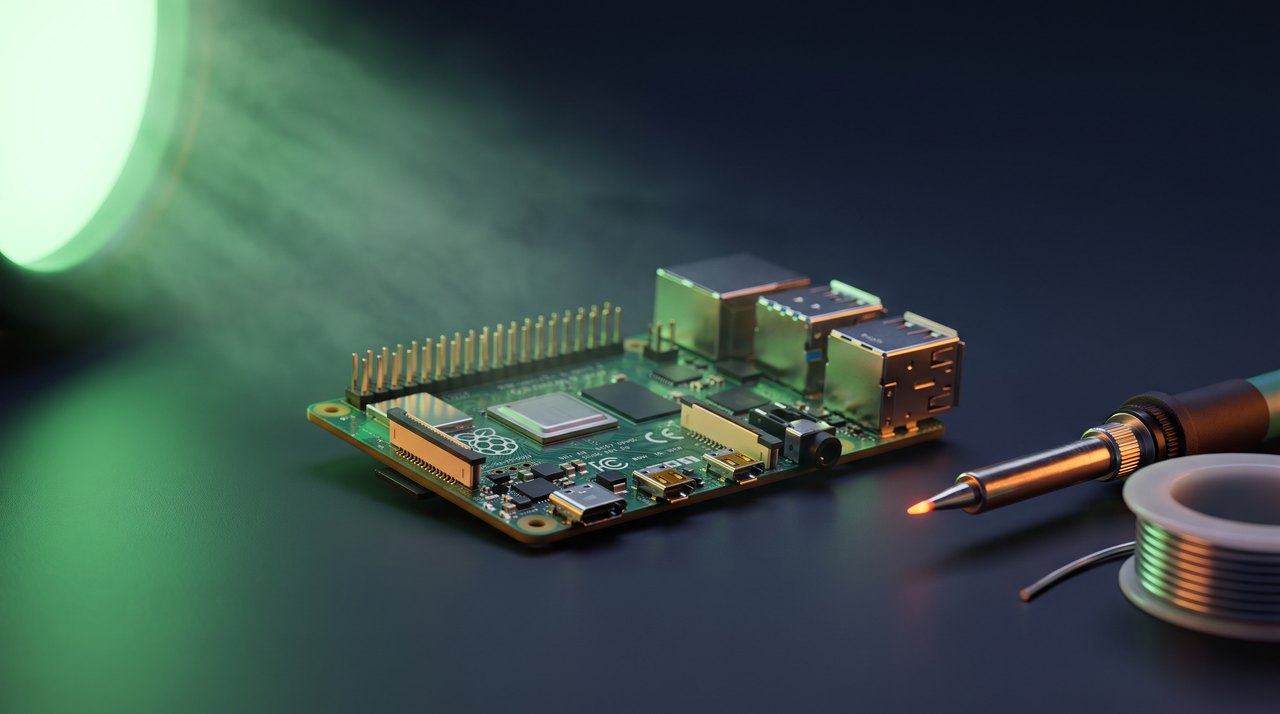

Control GPIO on modern Linux through the character device interface at /dev/gpiochipN, using libgpiod 2.x, not the removed sysfs GPIO interface. This needs Linux kernel 5.10 or newer for GPIO uAPI v2, and you can practice without any hardware by loading the gpio-mockup module to create a virtual chip. The command-line tools gpiodetect, gpioinfo, gpioget, gpioset, and gpiomon cover discovery, reading, writing, and edge events, and the same operations are available from C through the version 2 API. Note that gpioset holds a requested line only while it keeps running, releasing it when you press Ctrl+C or the process exits.
The old way of toggling a GPIO line from user space, writing integers into /sys/class/gpio/, has been deprecated since Linux 4.8 and is now removed from current kernels. The replacement is the GPIO character device interface, and the standard tool for working with it is libgpiod. This tutorial shows you how to control GPIO with libgpiod from the command line and from a simple program, using the version 2 API. Every command below shows its expected output so you can check your progress at each step.
You can follow the whole tutorial on real hardware such as a Raspberry Pi, or on any Linux machine with no GPIO pins at all by creating a virtual chip with the kernel’s gpio-mockup module. The virtual chip uses the same character device interface as real hardware, so the commands and the program are identical. libgpiod version 2 changed both the command-line syntax and the API compared with the 1.x series, so older guides will not match what you type; everything here is written for libgpiod 2.x.
Why the sysfs GPIO interface was replaced
The legacy sysfs interface had several real problems. A line exported through /sys/class/gpio/ stayed exported even if the program that requested it crashed, so lines leaked. It used global integer numbers that were not stable across kernel versions or boards. It could not report which program was using a line, and it could not express features such as open-drain output, internal bias, or accurate edge timestamps.
The character device interface fixes these. Each GPIO controller appears as /dev/gpiochipN. Lines are addressed by offset within a chip, or by the name assigned in the device tree. A line request is tied to an open file descriptor, so when your process exits the kernel releases the line automatically. The interface also reports the consumer of each line, supports bias and drive settings, and delivers edge events with timestamps.
What you need
You need a Linux host running kernel version 5.10 or newer, because libgpiod 2.x uses GPIO uAPI v2, which first appeared in Linux 5.10. You also need the libgpiod command-line tools, which Debian and Ubuntu ship in the gpiod package, and the development headers in libgpiod-dev for the C example. Requesting a line requires root access or membership of the group that owns /dev/gpiochip*. No target board is required if you use the virtual chip described below.
Install the tools and the headers, then confirm the version is 2.x. If your distribution still ships libgpiod 1.x, the syntax in this tutorial will not work; in that case build the 2.x release from the official source tree or use a newer distribution release.
raghu@techveda.org:~$ sudo apt install gpiod libgpiod-dev
raghu@techveda.org:~$ gpioset --version
gpioset (libgpiod) v2.2.1
Create a virtual GPIO chip with gpio-mockup
If you do not have a board available, load the gpio-mockup module to create a simulated GPIO chip. The gpio_mockup_ranges=-1,8 parameter asks for one chip with 8 lines; the -1 lets the kernel pick the base GPIO number automatically.
raghu@techveda.org:~$ sudo modprobe gpio-mockup gpio_mockup_ranges=-1,8
raghu@techveda.org:~$ lsmod | grep gpio_mockup
gpio_mockup            20480  0
Confirm the chip exists with gpiodetect, which lists every GPIO chip, its kernel label, and its line count.
raghu@techveda.org:~$ gpiodetect
gpiochip0 [gpio-mockup-A] (8 lines)
On a machine that already has real GPIO controllers, the mock chip will appear with a higher number, so use the number that gpiodetect prints next to the gpio-mockup-A label. The examples below assume it came up as gpiochip0. The mock chip also exposes a debugfs directory with one file per line, named by offset. Writing 0 or 1 to a file drives that line as if an external signal were connected, which lets you test reads and edge events.
raghu@techveda.org:~$ ls /sys/kernel/debug/gpio-mockup/gpio-mockup-A/
0  1  2  3  4  5  6  7
Inspect the lines with gpioinfo
Where gpiodetect summarises chips, gpioinfo lists the individual lines of a chip with each line’s name, its consumer if it is in use, its direction, and its active state. Pass the chip with -c.
raghu@techveda.org:~$ gpioinfo -c gpiochip0
gpiochip0 - 8 lines:
	line   0:	unnamed	unused	input	active-high
	line   1:	unnamed	unused	input	active-high
	line   2:	unnamed	unused	input	active-high
	line   3:	unnamed	unused	input	active-high
	line   4:	unnamed	unused	input	active-high
	line   5:	unnamed	unused	input	active-high
	line   6:	unnamed	unused	input	active-high
	line   7:	unnamed	unused	input	active-high
On the mock chip the lines are unnamed and start as inputs. On a real board the device tree usually gives lines meaningful names, for example GPIO17 on a Raspberry Pi. That matters because libgpiod 2.x lets you address a line by name, so you no longer need the separate gpiofind tool that existed in version 1; it was removed because the other tools resolve names on their own.
Control GPIO with libgpiod from the command line
To read a line, use gpioget. When you address a line by offset you must name the chip with -c. By default the tool prints text such as "3"=inactive; the --numeric option prints a plain 0 or 1 instead, which is easier to use in scripts.
raghu@techveda.org:~$ gpioget --numeric -c gpiochip0 3
0
Now drive a simulated external high on line 3 through debugfs and read it again. The value follows what you wrote, which confirms the read path end to end.
raghu@techveda.org:~$ echo 1 | sudo tee /sys/kernel/debug/gpio-mockup/gpio-mockup-A/3
1
raghu@techveda.org:~$ gpioget --numeric -c gpiochip0 3
1
To set an output, use gpioset with a line=value pair. One behaviour is worth noting: because a line is released as soon as the requesting process exits, gpioset does not exit by default. It holds the line at the requested value and waits, so the value stays valid until you press Ctrl+C.
raghu@techveda.org:~$ gpioset -c gpiochip0 3=1While that command is still running, open a second terminal and run gpioinfo again. Line 3 is now reported as an output owned by the gpioset consumer, with the [used] flag. This is the discovery feature the sysfs interface never had.
raghu@techveda.org:~$ gpioinfo -c gpiochip0
gpiochip0 - 8 lines:
	line   0:	unnamed	unused	input	active-high
	...
	line   3:	unnamed	"gpioset"	output	active-high [used]
	...
Return to the first terminal and press Ctrl+C to release the line. To set a value, hold it for a fixed time, and then exit cleanly, combine --hold-period with --toggle 0. A toggle period of 0 tells gpioset to exit after the period elapses.
raghu@techveda.org:~$ gpioset --hold-period 1s --toggle 0 -c gpiochip0 3=1The --toggle option also produces a simple blink. Passing a single non-zero period repeats the sequence, so the line alternates between 1 and 0 every 500 milliseconds until you stop it with Ctrl+C.
raghu@techveda.org:~$ gpioset --toggle 500ms -c gpiochip0 3=1Watch for edge events with gpiomon
The gpiomon tool waits for edge events on one or more lines and prints them. Ask it to report rising edges on line 3 and to exit after the first event.
raghu@techveda.org:~$ gpiomon --num-events 1 --edges rising -c gpiochip0 3While gpiomon is waiting, drive line 3 high from a second terminal using the same debugfs write shown earlier. gpiomon prints one event line and exits because the event count was reached. The columns are, in order, the event timestamp as seconds and nanoseconds from the monotonic clock, the edge type, the chip, the line offset, and the line name (shown as unnamed on the mock chip). The timestamp value will differ on each run.
123.456789012 rising gpiochip0 3 unnamedOn a real board you would wire a button or a sensor to the line instead of writing to debugfs, and each press would produce one event line.
Control GPIO with libgpiod
The command-line tools are wrappers around the same library you can call from your own program. The version 2 API is built around a small set of objects: a chip, a line settings object that holds properties such as direction, a line configuration that maps offsets to settings, a request configuration that holds the consumer name, and finally a line request that you read from and write to. The program below opens the chip, requests one line as an output, and toggles it ten times.
#include <gpiod.h>
#include <stdio.h>
#include <unistd.h>

int main(void)
{
    const char *chip_path = "/dev/gpiochip0";
    const unsigned int offset = 3;

    struct gpiod_chip *chip;
    struct gpiod_line_settings *settings;
    struct gpiod_line_config *line_cfg;
    struct gpiod_request_config *req_cfg;
    struct gpiod_line_request *request;
    enum gpiod_line_value value = GPIOD_LINE_VALUE_INACTIVE;
    int i;

    chip = gpiod_chip_open(chip_path);
    if (!chip) {
        perror("gpiod_chip_open");
        return 1;
    }

    settings = gpiod_line_settings_new();
    gpiod_line_settings_set_direction(settings, GPIOD_LINE_DIRECTION_OUTPUT);
    gpiod_line_settings_set_output_value(settings, GPIOD_LINE_VALUE_INACTIVE);

    line_cfg = gpiod_line_config_new();
    gpiod_line_config_add_line_settings(line_cfg, &offset, 1, settings);

    req_cfg = gpiod_request_config_new();
    gpiod_request_config_set_consumer(req_cfg, "blink-example");

    request = gpiod_chip_request_lines(chip, req_cfg, line_cfg);
    if (!request) {
        perror("gpiod_chip_request_lines");
        return 1;
    }

    for (i = 0; i < 10; i++) {
        value = (value == GPIOD_LINE_VALUE_ACTIVE) ?
                GPIOD_LINE_VALUE_INACTIVE : GPIOD_LINE_VALUE_ACTIVE;
        gpiod_line_request_set_value(request, offset, value);
        printf("line %u set to %dn", offset, value);
        sleep(1);
    }

    gpiod_line_request_release(request);
    gpiod_request_config_free(req_cfg);
    gpiod_line_config_free(line_cfg);
    gpiod_line_settings_free(settings);
    gpiod_chip_close(chip);
    return 0;
}
Save the file as blink.c and build it. Using pkg-config keeps the include and library paths correct without hard-coding them.
raghu@techveda.org:~$ gcc blink.c -o blink $(pkg-config --cflags --libs libgpiod)Confirm the binary links against the shared library before running it. The ldd output should list libgpiod.
raghu@techveda.org:~$ ldd ./blink | grep gpiod
	libgpiod.so.3 => /lib/x86_64-linux-gnu/libgpiod.so.3 (0x00007f...)
Run the program. It prints the value on each iteration, alternating between 1 and 0 ten times.
raghu@techveda.org:~$ sudo ./blink
line 3 set to 1
line 3 set to 0
line 3 set to 1
On the mock chip you can confirm each change in a second terminal by reading the debugfs file for line 3 while the program runs. When the program returns, gpiod_line_request_release and gpiod_chip_close release the line back to the kernel; if the program were killed instead, the kernel would release it anyway because the request is tied to the file descriptor.
Understanding these internals is exactly the kind of foundation we build in TECH VEDA’s Linux Device Drivers training, where user space and the underlying GPIO subsystem are studied together.
Notes for real boards
Two points save effort when you move from the mock chip to hardware. First, the chip number is not always gpiochip0. On the Raspberry Pi 5, for example, the 40-pin header lines are exposed by the RP1 controller, which may appear as a different chip number than on a Raspberry Pi 4. Always run gpiodetect and gpioinfo and use the chip and offset you actually see, or address the line by its device tree name with --by-name. Second, a line marked active-low in the device tree inverts the logical value, so 1 in gpioset drives the electrically low state. Use gpioinfo to check a line’s active state before wiring anything to it.
When you finish experimenting with the mock chip, remove the module.
raghu@techveda.org:~$ sudo rmmod gpio-mockupKey takeaways
- The sysfs GPIO interface is removed; the character device interface through
/dev/gpiochipNand libgpiod is the supported way to control GPIO with libgpiod today. - libgpiod 2.x changed the command syntax: address lines by name, or by offset with
-c, and note thatgpiofindno longer exists. gpiodetectandgpioinfolet you discover chips, line names, directions, and which consumer owns each line.gpiosetholds a line only while it runs, because the kernel releases lines when the requesting process exits.- The
gpio-mockupmodule and its debugfs files let you practise every tool and the API without any hardware. - The version 2 API uses a chip, line settings, line config, request config, and a line request object to read and write lines.
Frequently asked questions
Why was the sysfs GPIO interface removed?
The sysfs interface under /sys/class/gpio/ had real problems: a line stayed exported even if the requesting program crashed, it used global integer numbers unstable across kernel versions and boards, it could not report which program was using a line, and it could not express open-drain output, internal bias, or accurate edge timestamps. It has been deprecated since Linux 4.8 and is now removed from current kernels.
What kernel version do I need to control GPIO with libgpiod 2.x?
You need Linux kernel 5.10 or newer, because libgpiod 2.x uses GPIO uAPI v2, which first appeared in Linux 5.10.
How can I practice libgpiod without real GPIO hardware?
Load the kernel’s gpio-mockup module, for example with gpio_mockup_ranges=-1,8, to create a simulated GPIO chip that appears as /dev/gpiochipN and exposes a debugfs directory for driving simulated signals. The virtual chip uses the same character device interface as real hardware, so the same commands and program work unchanged.
Why does gpioset not return immediately after setting a line?
A GPIO line request is tied to an open file descriptor, so the kernel releases the line as soon as the requesting process exits. Because of this, gpioset holds the line at the requested value and waits rather than exiting by default; you release it by pressing Ctrl+C, or by using –hold-period combined with –toggle 0 to exit automatically after a fixed time.